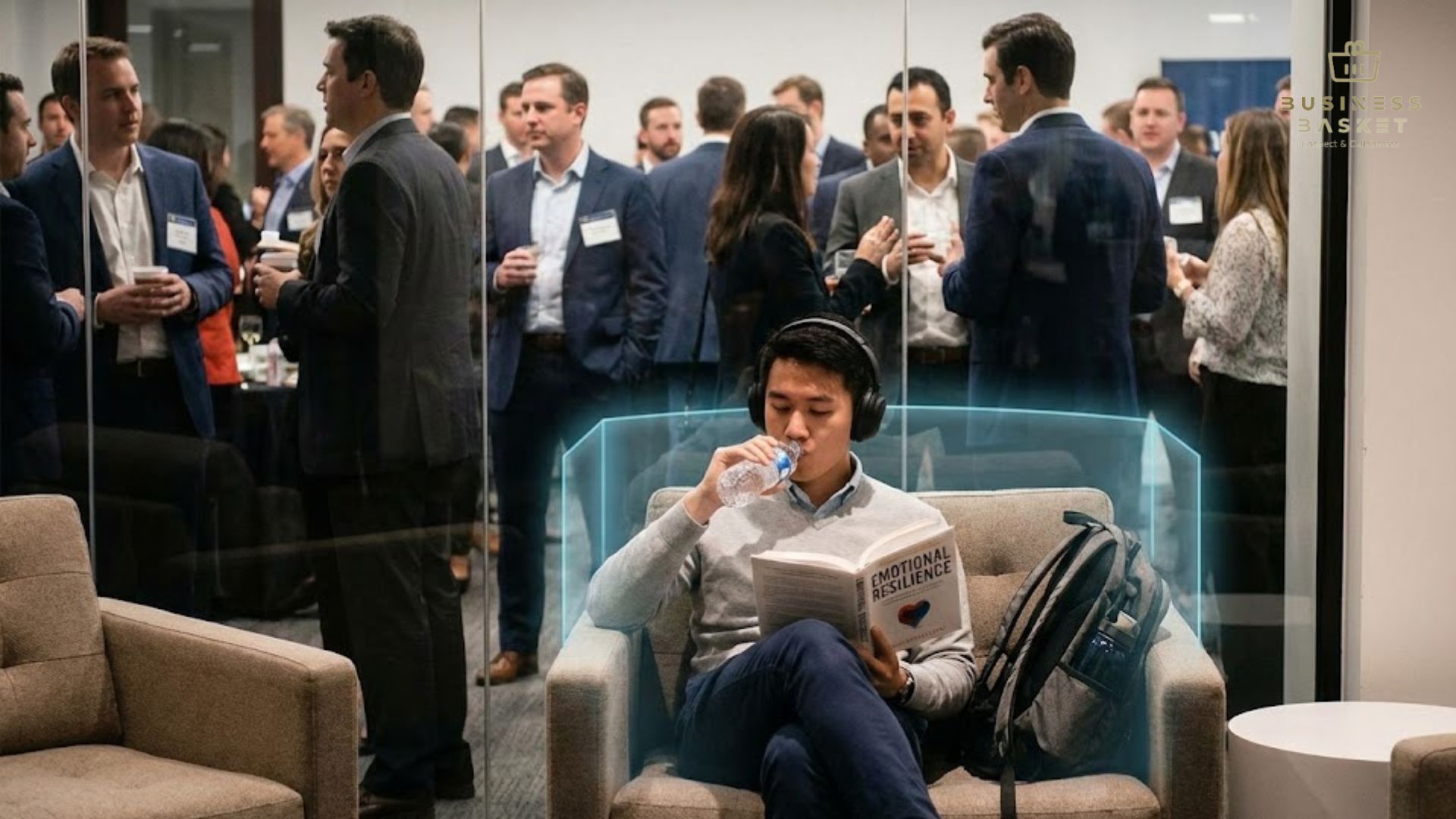

We recently heard an interesting conversation while networking with fellow digital creators in Singapore: someone claimed that even after you export or download an AI-generated image or video, the file could glitch if the AI software that created it is closed.
They said, “there’s coding embedded in every AI image and video.” Naturally, we wanted to dig deeper and separate myth from reality.
Here’s what we found—and why every digital creator should know this.
Understanding AI-Generated Files: Myth vs. Reality
When you generate an image or video using AI tools like MidJourney, Sora, DALL·E, Runway, or Synthesia, the software creates a file in standard formats (e.g., PNG, JPG, MP4). Once exported:
- The file is independent – You don’t need the AI software to view or share it.
- No hidden AI dependency exists – The so-called “coding” inside these files is just standard metadata like EXIF (for images) or encoding data (for videos).
In short, the AI software shutting down cannot corrupt or glitch your exported file.
Real-World Example
Consider a video content creator in Singapore using Runway to generate marketing videos. They exported MP4s for Instagram and YouTube. Even when Runway went offline for maintenance, the files played perfectly. Similarly, AI artists on Reddit routinely share DALL·E creations, which work across devices without requiring the original AI to be active.
Supporting Statistics
- 93% of digital files are fully viewable on standard devices once exported, according to a 2022 survey by TechRepublic.
- Social media platforms like Instagram and TikTok often re-encode uploaded videos, which is why some glitches happen—not because AI software is closed.
This proves that glitches are usually caused by corrupted exports, network issues, or platform compression, not AI dependency.
Why Misconceptions Spread
Many digital creators mistakenly believe AI files require the original software to function due to:
- Complex generation process – AI models use advanced algorithms, which seems “magical” to non-technical users.
- Glitches after upload – Platforms compress or reformat files, which can create visible artifacts.
Understanding the difference between software dependency and standard file structure can save digital creators stress and prevent unnecessary doubts about AI tools.
Everything You’re Googling About AI-Generated Files
Q1: Can AI-generated images or videos stop working if I delete the AI software?
A: No. Once exported, the files are regular PNG, JPG, or MP4 files. Standard media players or editing tools can open them without issue.
Q2: Why do some AI videos glitch after uploading to Instagram or TikTok?
A: Platforms often compress, resize, or re-encode videos. Always export in recommended settings to avoid artifacts.
Q3: Are there any special “codes” inside AI files that I should worry about?
A: Metadata exists in all digital files. AI-generated content does not contain hidden dependencies that require the original software.
Q4: How can Singapore digital or content creators protect AI-generated files from glitches?
A: Save files in multiple formats, keep original exports safe, and follow social media upload recommendations (e.g., MP4 H.264 for videos).
Q5 (Blue Ocean Question): Can AI-generated files have interactive coding embedded for dynamic content?
A: Only if the creator intentionally exports interactive formats like HTML5 or GIF scripts, which is not standard for static images or videos.
Key Takeaways
- Exported AI content is independent – The AI software doesn’t control your file post-download.
- Glitches are platform or export issues, not AI dependency.
- Stay informed and optimize your workflow – Understand file formats, metadata, and social media compression.
- Spread knowledge within your network – Many misconceptions arise simply from misunderstanding technical terms.
Final Thought
Next time someone mentions that AI files need their software to stay active, you’ll know it’s a myth. By understanding file structures, export formats, and social media handling, you can confidently create, share, and monetize AI-generated content—without worrying about “hidden codes.”
If you’re a content creator in Singapore looking for best practices to handle AI files and ensure smooth uploads to Instagram, TikTok, or YouTube, start with these simple steps: export correctly, backup your files, and educate your peers.